
PASS app Korea foreigners rely on for identity verification isn’t failing because of a download error or a language barrier — it’s failing because the app is checking something most newcomers don’t know exists. You install it, enter your Korean phone number, and land on an error screen that offers no useful explanation. The number works. Calls go through. Messages arrive. Verification still fails.
What PASS (패스) actually verifies isn’t your phone number in isolation. It checks whether your phone number, your registered name, and your identity record are all linked in your carrier’s subscriber database (통신사 가입자 데이터베이스). For foreigners, that linkage depends on a specific registration sequence — one that doesn’t happen automatically when you buy a SIM at the airport, a convenience store, or even a carrier’s own retail branch.
This matters more than it might seem at first. PASS verification has become the authentication layer for services that have nothing to do with phone calls: mobile banking apps, KakaoTalk’s real-name confirmation, government service portals, and major delivery platforms. A broken PASS setup creates a chain of blocked access that can follow you for weeks if you’re troubleshooting the wrong layer.
Why PASS Verification Fails Even With a Working Phone Number
Having an active Korean phone number that sends and receives messages normally doesn’t mean it can authenticate through PASS. These are two separate layers of the same system, and most PASS app Korea foreigners encounter gives them no warning that the distinction exists.
When you call someone or receive an SMS, your carrier only needs to confirm that a SIM carrying that number is active on the network. That check is fast and minimal. PASS does something fundamentally different: it contacts your carrier and asks whether the person claiming this phone number matches the identity record attached to it in the subscriber database.
If your number is registered under passport information only — and your identity hasn’t been linked to a foreigner registration number (외국인등록번호) — the carrier returns an incomplete match. PASS reads this as a failed verification. Not a wrong password. Not a technical fault on the app’s end. A legitimately processed identity check that produced no confirmed result.
The app rarely explains this in terms a newcomer would understand. The error messages tend to be vague: “verification failed,” “please try again,” “unable to complete authentication.” None of them point to the carrier registration record as the cause.
One thing worth knowing if you’re troubleshooting: the failure follows a predictable pattern. It’s based on how and when your phone number was registered relative to your foreigner registration status in Korea — not on your phone model, your carrier’s network quality, or anything you can fix by reinstalling the app.
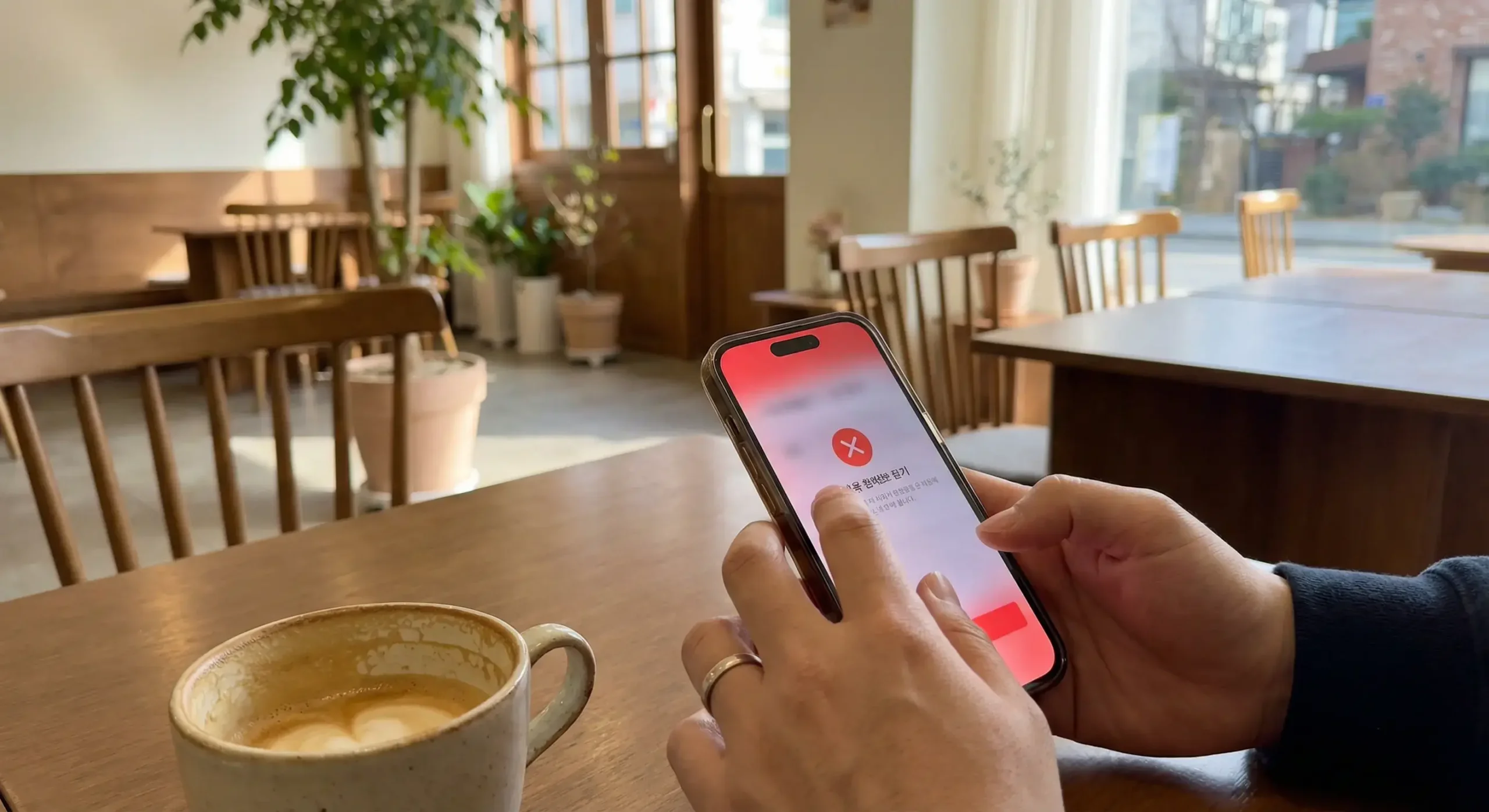
What PASS Actually Checks in Korea’s Identity System
PASS (패스) is a joint authentication service operated by Korea’s three major telecom carriers: SK Telecom (SKT), KT, and LG U+. It was built to replace paper-based identity confirmation at banks, government offices, and financial institutions. The way it achieves this is by acting as a bridge between your phone number and Korea’s national identity registration databases.
When you attempt to verify through PASS, the system checks three things simultaneously:
- Whether your phone number is registered under a real-name subscriber account (실명 가입)
- Whether the name on the account matches the identity document submitted to the carrier
- Whether the subscriber record contains a valid Korean resident registration number (주민등록번호) or foreigner registration number (외국인등록번호)
Korean nationals have their resident registration number attached to their carrier account automatically through the national ID system. For foreigners, the equivalent is the foreigner registration number on an Alien Registration Card (ARC, 외국인등록증). Until that number is registered with your carrier and linked to your phone account, the third check produces no result — and PASS cannot complete the verification.
This isn’t a policy specific to foreigners. The Ministry of Science and ICT mandates real-name phone registration for all subscribers in Korea. The difference for foreigners is that the registration process involves an additional step — linking your ARC number to your carrier account — that doesn’t happen during the initial SIM purchase.
PASS also carries a digital certificate function (공동인증서, formerly 공인인증서) for more advanced financial transactions. But the basic failure point for most foreigners happens long before reaching that layer: the identity record simply isn’t complete enough for even the standard authentication to succeed.
Why Foreigners Get Rejected: Registration vs Identity Mismatch
The core problem most PASS app Korea foreigners run into is a registration gap: the phone number exists and works on the network, but it isn’t linked to a foreigner registration record that PASS can verify. This gap opens at different points depending on your situation.
Before you receive your ARC: If you registered your Korean phone number using only your passport, your carrier account is marked as a passport-registered subscriber (여권 가입). This status allows the SIM to activate and function normally, but it doesn’t give PASS what it needs for identity verification. Passport registration is treated as provisional in Korea’s carrier database. PASS requires a finalized identity record tied to a registration number — which a passport alone doesn’t provide.
For context on what’s available before your ARC card arrives, the article on getting a Korean phone number without an ARC covers which setup options give you a registration that’s more likely to support identity verification once your card is issued.
Tourist SIM cards (단기 유심) create an even more extreme version of this problem. Many are registered under the retailer’s own account or issued without linking any individual’s identity document to the subscriber record. Some don’t include your personal information at all. These SIMs work for calls and data, but they have no path to PASS verification — the identity layer simply isn’t there.
After you receive your ARC: This is where a significant number of people get stuck without understanding why. Receiving your ARC doesn’t automatically update your carrier’s subscriber database. Your carrier’s system still shows the provisional passport registration — and will continue to show it until you physically visit a carrier store (통신사 대리점) and update the record yourself.
Until that visit happens, your phone works exactly as it did before. Calls, messages, mobile data — all normal. PASS verification — still failing. The two systems don’t communicate automatically, which is why so many foreigners report that their PASS failures continued for months after receiving their ARC.

Services That Block You Without PASS Verification
A PASS failure rarely creates just one blocked service. Because PASS is the backend authentication layer for Korea’s major digital services, one registration gap cascades into multiple simultaneous rejections — often across apps that seem unrelated to each other.
KakaoTalk real-name verification (카카오톡 실명인증): KakaoTalk’s account security features and financial services within the app require identity confirmation at the PASS level. The app itself may install and receive messages without issue, but payment features, KakaoPay setup, and some in-app verification prompts will fail. The article on KakaoTalk verification failures for foreigners in Korea breaks down the specific error types and what’s causing each one — several of them connect directly to incomplete carrier registration.
Mobile banking and financial apps: Korean banks that offer online account setup require identity verification through PASS or an equivalent certified authentication method. If the PASS app Korea foreigners use can’t complete verification, the online onboarding process stops. This is one reason why even foreigners who’ve prepared all the right documents end up needing an in-branch visit for banking. The bank account opening process for foreigners in Korea is more dependent on PASS than most setup guides acknowledge.
Government service portals, several major e-commerce platforms, and courier apps also use PASS as one of their accepted identity methods. Some of these services offer alternatives — like the older certificate-based authentication — but others require PASS specifically. The online verification rejection article covers the services most likely to block foreigners at this step and explains why the rejection pattern looks different depending on which authentication method the platform uses.
PASS App vs SMS Verification: Why They Work Differently
One of the most confusing aspects of digital verification in Korea is that SMS-based codes often work when PASS doesn’t. Many people interpret this as a PASS app problem. The issue is something else entirely.
SMS verification works by sending a six-digit code to your phone number and confirming you received it. That’s the entire check: can this number receive messages? Tourist SIMs pass this test. Pre-ARC numbers pass this test. A phone registered under a retailer’s account passes this test. SMS asks nothing about who you are.
PASS adds a second layer: it confirms that the person holding the phone matches the identity record attached to the number in the carrier’s database. SMS doesn’t ask this question. PASS does — and if the answer isn’t available in the carrier’s system, the verification fails regardless of how active the number is.
Services that accept SMS verification are setting a lower security threshold. Services that require PASS are specifically choosing a higher identity standard. Banks and government portals tend to sit in the PASS-required category. Social platforms and most retail apps lean toward SMS as acceptable. Knowing this distinction prevents a lot of confusion when troubleshooting.
The choice of SIM and carrier setup affects which verification types are available to you from day one. The mobile plan guide for foreigners in Korea explains which plans include the real-name registration that makes PASS functional, and the SIM card guide for foreigners covers which purchase options give you a properly registered subscriber account rather than a provisional one.
For a broader picture of where each verification type applies across different apps and services, the phone number verification guide for foreigners in Korea maps which platforms use which method — useful for figuring out whether the specific service blocking you actually requires PASS or would accept an SMS alternative.
What Changes After Your ARC Is Linked to Your Phone Number
Once your ARC number is registered with your telecom carrier, the situation usually resolves. PASS can confirm your identity against a complete foreigner registration record, and services that were previously blocking you begin to open up — often within the same day.
The process requires one in-person visit to your carrier’s store (통신사 대리점). Bring your ARC card and your passport. Tell the staff you need to update your subscriber registration from passport to ARC (실명 확인 업데이트). The update itself takes around 10 to 15 minutes. After it’s completed, allow a few hours — sometimes up to a full day — before testing PASS, as the carrier’s database needs time to sync with PASS’s central system.
If your ARC has been delayed past the expected issue date, the article on ARC card delays in Korea explains which factors affect processing time and what’s accessible while you wait. And if your card was already approved but online services are still rejecting you after the carrier update, the online verification rejection article covers the specific platforms that take the longest to reflect updated records.
The Hi Korea portal, operated by the Korea Immigration Service, provides official information on ARC issuance timelines and foreigner registration requirements — relevant if you’re trying to calculate when your carrier update becomes possible.
One step worth doing after the carrier update: open PASS and re-register your phone number from scratch. Some users find that the app retains a cached state from the previous failed registration, which can cause continued failures even after the carrier record is fully updated. Deleting and reinstalling the app, then re-entering your number, clears this and usually resolves it immediately.
Common Mistakes When Troubleshooting PASS Failures
Most troubleshooting attempts focus on the wrong part of the system. The mistakes below are the ones that delay resolution the longest — and they’re each driven by a reasonable but incorrect assumption about how PASS works.
Treating it as an app installation problem. Uninstalling and reinstalling PASS does nothing if the underlying carrier record is incomplete. The app is functioning correctly — it’s accurately reporting that your identity verification cannot be confirmed with the data currently in the system. A fresh install gives the same result as the original.
Trying multiple Korean phone numbers. If PASS fails on two different numbers on the same device, the issue isn’t the number or the phone — it’s the registration status behind each number. Both may be registered under the same provisional passport-only category. Switching between them produces the same failure.
Using a tourist SIM for identity-dependent services. Tourist SIMs (단기 유심) are designed for connectivity, not identity authentication. Many are not registered under your personal information at all. Attempting PASS verification through a tourist SIM is not going to produce a different result than the first attempt, regardless of how many times you try.
Assuming the carrier update happens automatically after ARC issuance. It doesn’t. This is the most common reason PASS app Korea foreigners report continued failures weeks or months after receiving their ARC card. The carrier visit is a required step that Immigration Services doesn’t handle for you.
Contacting PASS support to fix the issue. PASS support can confirm that your verification is failing, but they do not have access to or control over the carrier’s subscriber database. They’ll tell you to contact your carrier. The fix lives entirely at the carrier level — PASS is just reporting what the carrier’s system says.
PASS Verification Readiness Checklist
Before attempting PASS authentication, confirm each of the following:
- ☐ Your Korean phone number is registered under your own name — not a store or third-party account
- ☐ You have received your ARC card (외국인등록증) from immigration
- ☐ You have visited your telecom carrier’s store and updated your registration from passport to ARC
- ☐ Your carrier account now shows your foreigner registration number (외국인등록번호), not only passport details
- ☐ At least several hours have passed since the carrier update (allow time for database sync)
- ☐ You have re-registered your number in the PASS app after the carrier update — not just reopened the existing app
- ☐ You are using a plan from SKT, KT, or LG U+ directly — MVNO (알뜰폰) plans have different and sometimes slower registration processes
- ☐ You are not using a tourist SIM (단기 유심) for identity-dependent services
FAQ
Why does the PASS app reject foreigners even when they have a working Korean phone number?
A working phone number confirms network access, not identity. PASS requires your number to be linked to a foreigner registration number (외국인등록번호) in your carrier’s subscriber database. If your account is still registered under passport information only — or if you received your ARC but haven’t updated your carrier record — PASS cannot complete the identity confirmation and returns a rejection. The phone continues to work for calls and messages; the failure is specific to the identity layer.
Can foreigners use PASS verification without an ARC card?
Generally no. PASS requires a resident or foreigner registration number to confirm identity, and that number comes from your ARC card. Without an ARC, your carrier account holds only passport information, which doesn’t satisfy PASS’s verification standard. SMS-based verification works as a partial alternative for some services in the interim period. The article on getting a Korean phone number without an ARC covers what’s realistically accessible before your card is issued and which services you can use in the meantime.
Which apps and services in Korea specifically require PASS verification?
The services with the strictest requirements are Korean mobile banking apps, government service portals (정부24, 민원24), and KakaoTalk’s financial and real-name features. These typically accept only PASS or an equivalent certified authentication method. Delivery platforms and retail apps tend to be more flexible and often accept SMS verification. The gap matters because the PASS app Korea foreigners assume will be optional turns out to be mandatory for the services they need most — banking in particular rarely has a workaround.
Conclusion
The PASS app Korea foreigners encounter isn’t malfunctioning. It’s doing exactly what it was built to do — confirming that the person claiming a phone number matches the registered identity behind it. When that confirmation fails for foreigners, it almost always traces back to the same gap: a phone number that’s active on the network but not yet linked to a foreigner registration number in the carrier’s subscriber database.
The resolution path is short once you know where to go. ARC card in hand, carrier store visit, registration update, a few hours of sync time. After that, the services that were blocking you should start working — banking apps, KakaoTalk verification, government portals and all.
If you’re still waiting on your ARC, the options are more limited, but knowing which services accept SMS verification instead of PASS keeps you from troubleshooting the wrong thing. The key is understanding that PASS failures and SMS failures come from different layers — and that fixing one doesn’t touch the other.