
Korean delivery apps handle everything from restaurant meals to grocery runs to late-night pharmacy orders — often in under 30 minutes. Every delivery app Korea foreigners see in the App Store looks polished, menus have photos, and the system runs faster than anything most people have used back home. For a country that practically invented fast delivery culture, the apps seem built to make ordering effortless.
But every delivery app Korea foreigners download runs into the same invisible walls. Korean phone verification, a local payment method, and a specific address format all need to be set up before the app lets you finish a single order. None of these requirements show up on the download screen. They only appear at checkout — after you’ve already spent ten minutes browsing menus and adding items to your cart.
That gap between downloading and actually getting food delivered catches more foreigners off guard than almost any other daily-life task in Korea. The fix isn’t complicated once you see what’s blocking it. But most people don’t realize these walls exist until they’re hungry, the cart is full, and the order button won’t respond.
What Every Delivery App Promises on the Surface
Korea’s delivery app ecosystem is massive. Baemin (배달의민족), Yogiyo (요기요), and Coupang Eats (쿠팡이츠) together cover nearly every restaurant, convenience store, and grocery chain in the country. Each app shows menus in real time, includes photos for most items, and estimates delivery in 20 to 40 minutes depending on distance.
The download is free. The interface looks straightforward — pick a category, tap a restaurant, add items, and pay. Reviews include photo uploads from previous customers, so you can see exactly what the dish looks like before ordering. Estimated delivery fees show upfront, usually between ₩1,000 and ₩4,000.
For anyone used to apps like Uber Eats or DoorDash, the first impression is that Korean delivery apps work the same way but faster. That impression holds right up until the moment you try to check out.
What You Can Do Without Any Extra Setup
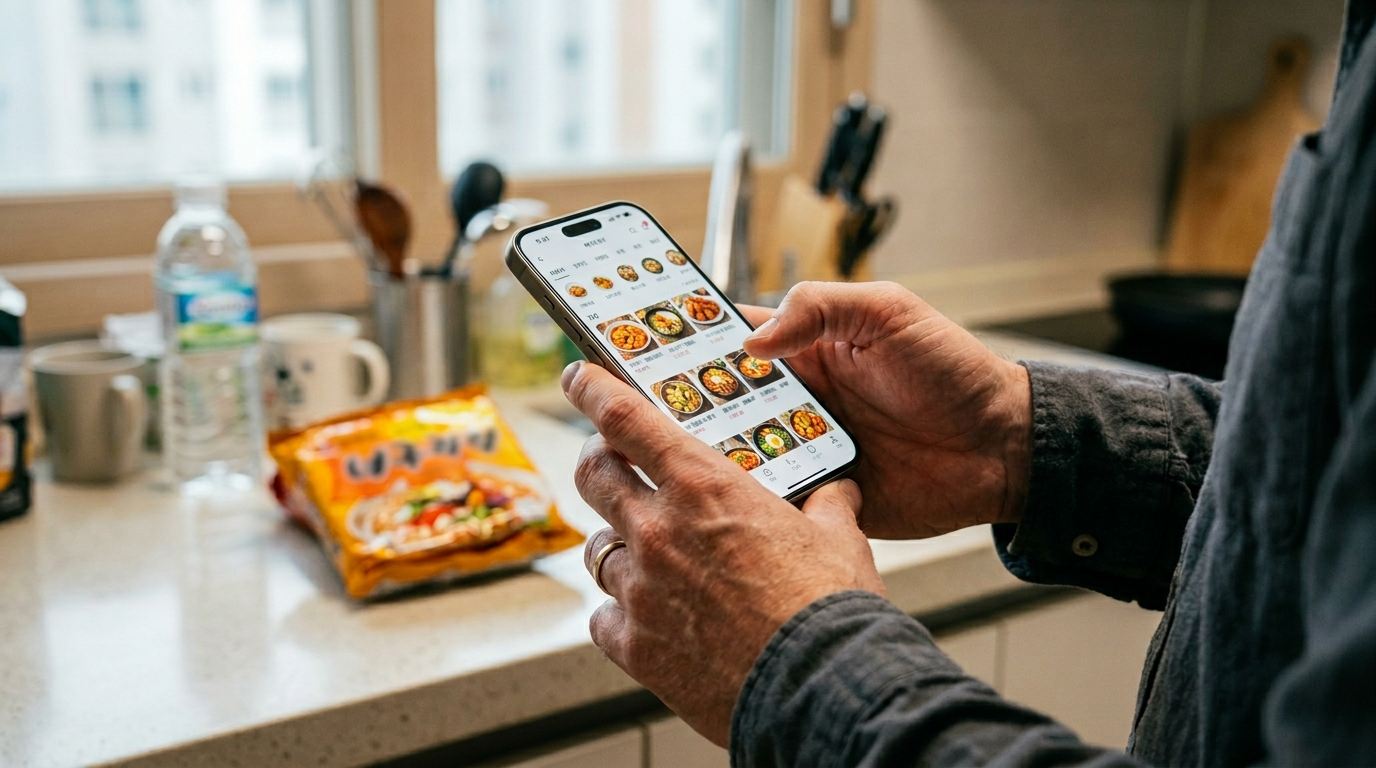
Before hitting any wall, there are a few things that work immediately after downloading. Browsing is fully open — you can scroll through every restaurant in your area, read menus, check prices, and compare delivery fees without creating an account.
Coupang Eats offers partial English interface support, which makes it the most approachable delivery app Korea foreigners tend to try first. Baemin and Yogiyo are almost entirely in Korean, though photo-heavy menus reduce the language barrier for food selection.
You can also use the map feature on each app to locate nearby restaurants, filter by cuisine type, and sort by delivery time. Saving favorites works without verification. Essentially, everything up to the point of payment works with zero setup — which is exactly why the checkout wall feels so abrupt.
Where Every Delivery App Korea Foreigners Use Quietly Blocks You
The first wall is phone verification. Every major delivery app Korea foreigners use requires a Korean phone number verified through a local carrier — not just any number, but one tied to your name through identity verification (본인인증). A prepaid tourist SIM or a number registered under someone else’s name won’t clear this step. The app needs the number to match your identity in Korea’s telecom verification system, which is the same system that blocks KakaoTalk verification for foreigners and most Korean platform signups.
The second wall is payment. Korean delivery apps don’t accept most foreign credit cards. Visa and Mastercard issued outside Korea fail at checkout even if they work at physical stores. The payment system requires either a Korean bank card, KakaoPay, Toss Pay, or Naver Pay — all of which need a Korean bank account to activate. If you’ve already experienced card failures when paying in Korea as a foreigner, the same pattern repeats here.
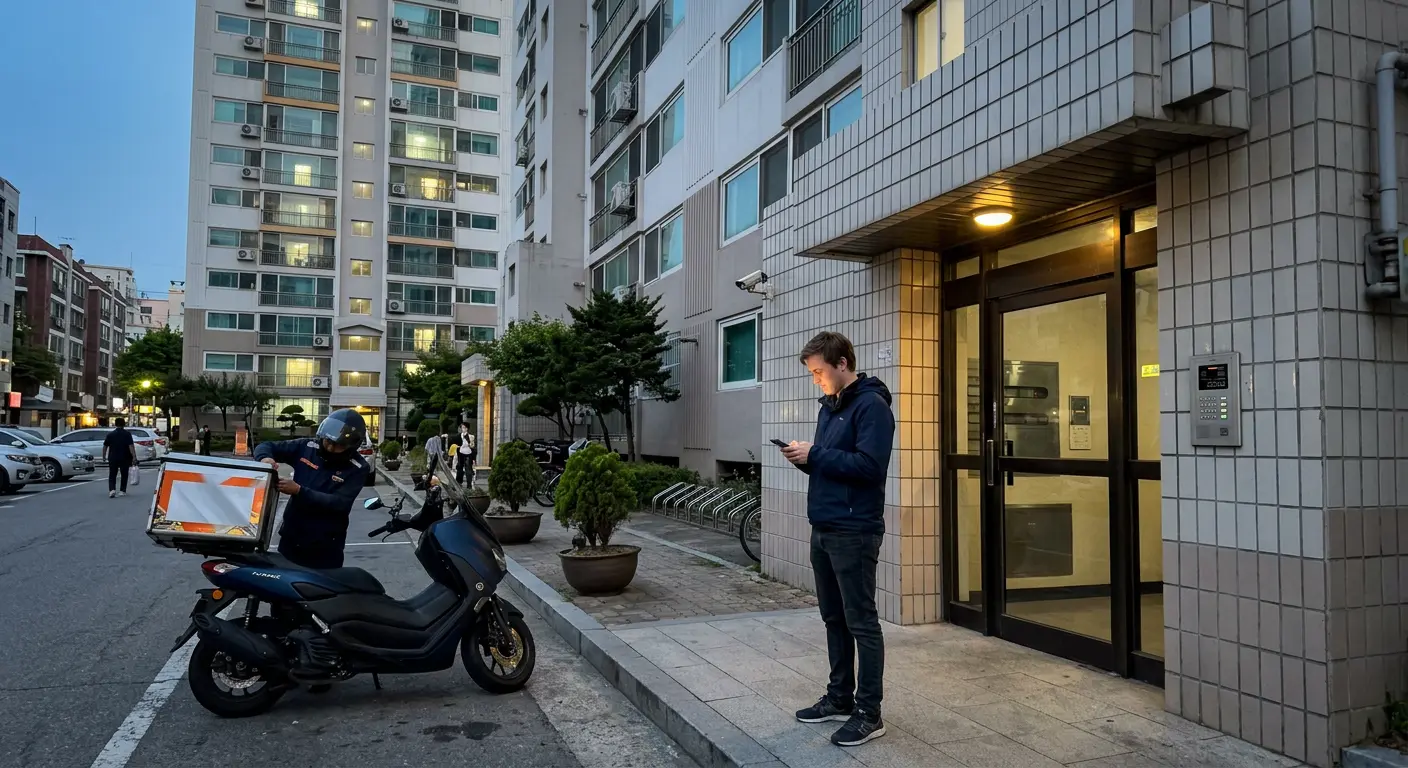
The third wall is the address format. Korean delivery apps use a structured address input tied to the national address database managed by the Korea Address Information System (주소정보시스템). You can’t type a free-form address. The app requires you to search your building by its official Korean address, then add a unit number. If your building name doesn’t appear in the search — common with older goshiwon (고시원) or short-term rentals — the app won’t let you set a delivery location.
3 Assumptions That Stall Most First Orders
Assumption 1: “I’ll just use my international card.” This is the most common reason a delivery app Korea foreigners rely on rejects an order at the last step. Foreign cards that work at Korean convenience stores, subway machines, and even some online shops get rejected by delivery app payment gateways. The apps use a domestic payment processor that doesn’t route through international card networks for most transactions. Even cards with no foreign transaction fees won’t help — the issue is on Korea’s payment system side, not your bank’s.
One thing worth knowing if you’re troubleshooting: the rejection often happens silently. The app doesn’t always show an error message. It just loops back to the payment screen or greys out the order button.
Assumption 2: “Phone verification means entering my number.” It doesn’t. Korean phone verification (본인인증) requires a real-name registered Korean number that passes an identity check through your mobile carrier. The phone number verification process for foreigners in Korea blocks many people at this exact step, because tourist SIMs and some MVNOs don’t support identity verification.
Assumption 3: “My hotel or Airbnb address will work.” Hotels sometimes appear in the address search, but many Airbnbs, goshiwon, and short-term housing units don’t show up under their listed name. The delivery app searches Korea’s official registered address system, and temporary accommodations often have a different registered building name than what the host gave you.
How to Break Through All Three Walls
Each wall has a specific fix, but the order matters. The setup sequence for any delivery app Korea foreigners need follows the same chain: phone verification first, then payment, then address. Setting up payment before phone verification wastes time — most payment apps require phone verification first.
Wall 1 — Phone verification: You need a Korean phone number registered under your name with identity verification enabled. Postpaid plans from KT, SKT, or LG U+ support this. Some prepaid plans from these carriers also work if you registered with your passport and ARC. Check whether your current plan supports 본인인증 by calling your carrier’s English support line before attempting app signup. The Ministry of Science and ICT (과학기술정보통신부) oversees these telecom identity verification requirements.
Wall 2 — Payment: Open a Korean bank account and link a debit card to KakaoPay, Toss, or Naver Pay. All three Korean mobile payment platforms work with Baemin, Yogiyo, and Coupang Eats. If you’ve already set up payments for Coupang checkout, the same card and payment apps work for delivery.
Wall 3 — Address: Search your building’s official Korean address, not the English name your landlord gave you. Ask your landlord or host for the exact 도로명주소 (road name address). In the app’s address field, type the Korean street name or building number — avoid searching by the building’s nickname. Once it appears, add your floor and unit number in the detail field.
If your building doesn’t appear at all, try entering the nearby major building’s address and adding delivery instructions in Korean that say something like “건물 뒤편 [your building name]” — though this works only if the driver can find you. A more reliable option is to set the delivery point to a nearby convenience store or landmark and meet the driver there.
Which App Matches Your Situation
Not every delivery app Korea foreigners install makes sense for every situation. The right choice depends on what’s already set up.
If you have a Korean phone number + Korean bank account: Baemin gives you the widest restaurant selection and the most reliable delivery coverage outside Seoul. It’s the default choice for daily use once your payment and verification are both active.
If you have a Korean phone number but no Korean bank account yet: Coupang Eats occasionally accepts some international cards for specific promotions or through Coupang’s main platform balance. It’s inconsistent, but it’s the only delivery app where a foreign card has any chance of working at all. Worth trying before giving up on delivery entirely.
If you have neither: Skip the apps for now and order directly at restaurants. Most Korean restaurants offer takeout (포장) at the counter, many without requiring any ID or phone number. Some restaurants near university areas and foreigner-dense neighborhoods also accept international cards for in-person purchases. Once your phone verification and bank account are set up, come back and register for Baemin or Coupang Eats — the whole process takes under 15 minutes at that point.
Yogiyo works well as a secondary option if Baemin doesn’t cover a restaurant in your area. It uses the same verification and payment setup, so once one works, the other will too.
Questions That Come Up Most
Can I use a VPN to bypass delivery app restrictions in Korea?
No. The restrictions aren’t region-based — they’re tied to Korea’s domestic identity verification and payment processing systems. A VPN changes your apparent location but doesn’t change how the app verifies your phone number or processes your payment. The walls are inside the Korean system, not at the border.
Do any delivery apps in Korea work entirely in English?
Coupang Eats has the most English interface support among major apps, though some menu items and driver messages still appear in Korean. Baemin launched a partial English mode in select areas but it’s limited. No delivery app Korea foreigners can download currently offers full English support across every feature as of 2026. For most people, combining the app’s photo menus with a translation app like Papago handles the language gap well enough for ordering.
What if the driver calls me in Korean and I can’t understand?
This happens frequently. Drivers call when they can’t find your building, when a menu item is sold out, or when they’ve arrived but the entrance is locked. The fastest workaround is to send a pre-written Korean text message with your location details right after ordering. Include your building name in Korean, the floor, and a landmark. Some foreigners paste a standard message in the KakaoTalk chat that opens when the driver is assigned — this reduces the chance of a phone call entirely.
Before You Order: What to Confirm
Before opening any delivery app Korea foreigners should run through this list. Each item corresponds to one of the three walls — if any item fails, the order won’t go through.
First, confirm your Korean phone number supports identity verification (본인인증). Call your carrier or check in the PASS app (패스). If verification isn’t active, contact your carrier’s customer service before trying to register on any delivery app.
Second, make sure you have a Korean payment method linked. A Korean bank debit card connected to KakaoPay, Toss Pay, or Naver Pay covers all major apps. Test the payment method with a small purchase on the Coupang shopping app first — if it works there, it’ll work on Coupang Eats and likely on Baemin too.
Third, verify your delivery address appears in the app’s search. Open Baemin or Coupang Eats, go to the address setting, and search for your building’s Korean road name address. If it appears and you can select your unit, you’re set. If not, prepare a fallback plan — a nearby convenience store or landmark where you can meet the driver.
Fourth, save a Korean-language delivery note on your phone. Include your building name, floor, unit number, and entrance code. Paste this into the delivery instructions field with every order. This single step prevents most driver-related delivery failures.
What This Comes Down To
Every delivery app Korea foreigners try runs on three things that aren’t obvious at download: verified Korean phone, local payment, and a searchable address. All three need to be active before you place your first order.
The walls aren’t random — they’re the same identity and payment verification barriers that show up across Korean digital services. Once you clear them for one app, the rest fall into place quickly. If you’re still working through the setup chain, start with your phone verification, then bank account and payment apps, then come back to delivery. Trying to skip ahead just loops you back to the same blocked checkout screen.