
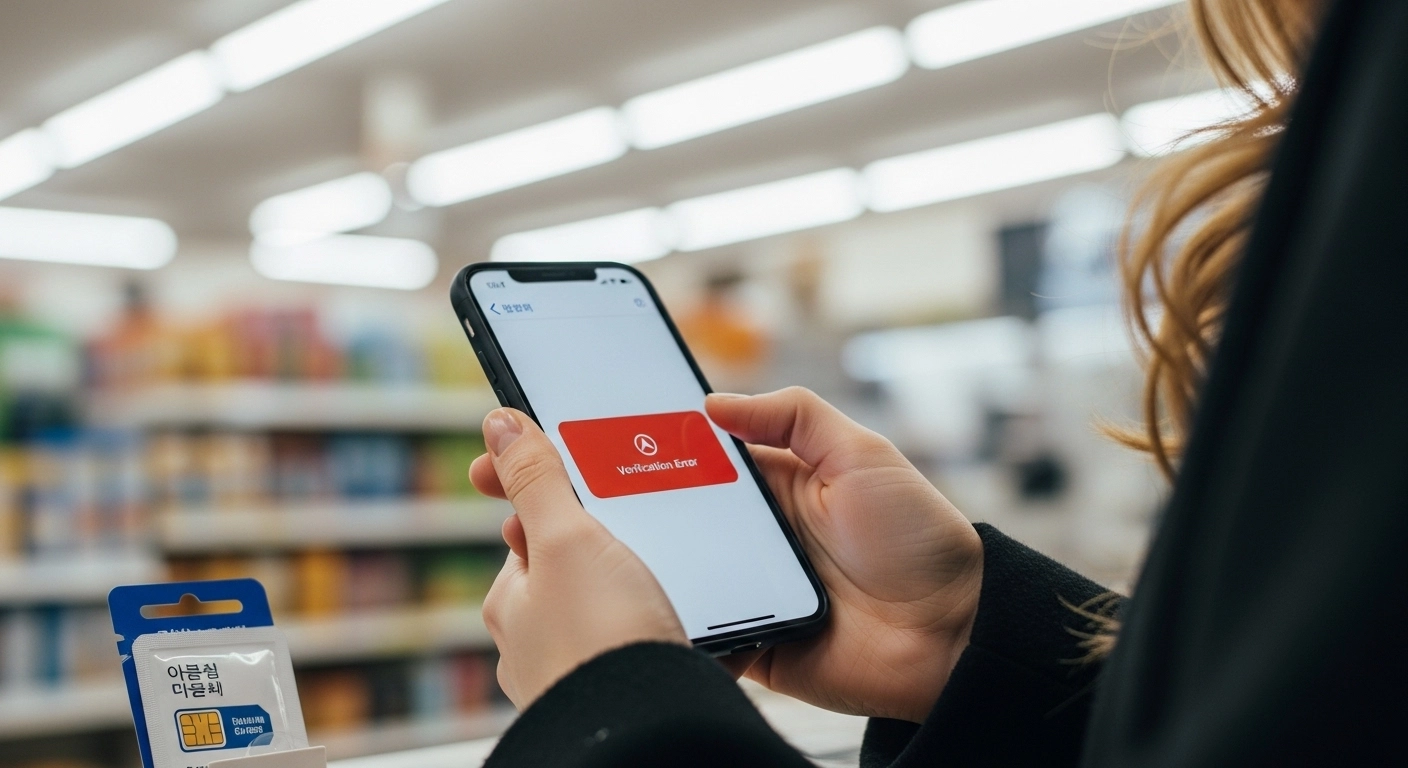
What happens when you download Korea’s most popular taxi app, follow every setup instruction, and the screen simply won’t let you through? Kakao T registration foreigners Korea try for the first time almost never fails at one clear point. It stalls somewhere between the phone number field and the payment screen — and the app doesn’t bother telling you which part broke.
The reason this keeps happening isn’t a bug. Kakao T sits on top of three separate systems that each need to recognize you independently: Korea’s telecom identity verification, the Kakao ecosystem’s own authentication layer, and a domestic-only payment gateway. Korean users pass through all three without noticing because their credentials were linked years ago. Foreigners hit each layer as a separate wall, usually without knowing the wall exists until after the rejection.
This article pulls the registration process apart to show where each system actually blocks you, which assumptions make the problem worse, and what sequence of steps clears the path. If you’ve already failed once or twice, what’s here should explain why — and what to check differently before the next attempt.
Where Kakao T Registration Actually Breaks Down
The registration flow looks simple from the outside. Open the app, enter a phone number, verify it, connect a payment method, request a ride. Five screens. On a Korean user’s phone, the whole process takes about two minutes.
For foreigners, the breakdown usually starts at one of three moments — and which one hits you depends on what kind of setup you brought into the process.
The first moment is phone number entry. You type your Korean number, receive a verification code, enter it correctly, and the screen rejects you anyway. The code isn’t the problem. The system behind the screen is checking whether that number is registered under your real name in Korea’s telecom identity database (본인인증). If it’s a prepaid tourist SIM or an eSIM purchased online, the answer is usually no — and the app stops cold. This is the same structural issue described in the phone number verification guide.
The second moment is account authentication. Even if your phone number clears, Kakao T inherits whatever authentication level your Kakao account carries. If you created your KakaoTalk account with an email address or a non-Korean number, the account doesn’t meet the identity threshold Kakao T requires for booking rides and processing payments. The app doesn’t say “your Kakao account isn’t verified enough.” It just fails at the next step without pointing to the root cause.
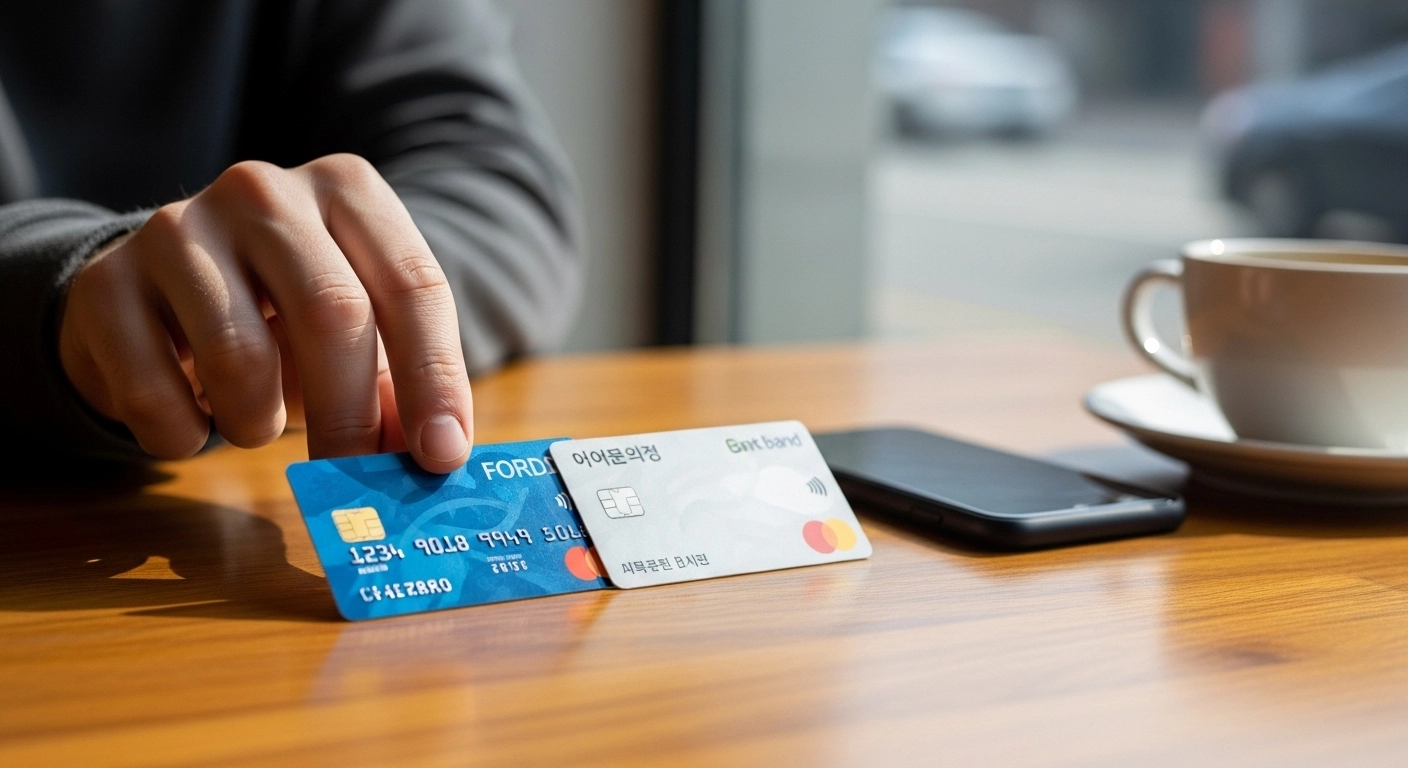
The third moment is payment registration. You’ve cleared identity and account checks, try to add your Visa or Mastercard, and the payment gateway rejects it. That same card works fine at restaurants and convenience stores across Seoul. Inside the app, it hits a domestic-only payment gateway that doesn’t process foreign-issued cards through the same authentication framework. This is where Kakao T registration foreigners Korea experience gets uniquely frustrating — the card clearly works in Korea, just not inside the app.
The Three-Layer System Behind Every Block
Kakao T isn’t one system. It’s three systems stacked on top of each other, each maintained by a different part of Korea’s digital infrastructure. Understanding how they connect — and where they disconnect for foreigners — changes the entire troubleshooting approach when Kakao T registration foreigners Korea face keeps looping without explanation.
Layer 1: Telecom identity verification (본인인증). Operated under guidelines from the Ministry of Science and ICT (과학기술정보통신부), this layer checks whether your phone number is linked to a verified real-name identity through your telecom provider. For Korean nationals, this connection exists automatically through their resident registration number (주민등록번호). For foreigners, it requires a postpaid contract registered under your ARC at a major carrier — SKT, KT, or LG U+. Prepaid SIMs, MVNOs, and most eSIM services don’t create this link.
When the PASS App fails for foreigners, it’s this layer. When online verification gets rejected despite having an ARC, it’s usually this layer combined with propagation timing. Kakao T triggers this exact same check during registration.
Layer 2: Kakao ecosystem authentication. Kakao T doesn’t build its own user profile. It pulls from your existing Kakao account — the same one used for KakaoTalk, KakaoPay, and Kakao Maps. If that account was authenticated using a Korean-registered phone number through KakaoTalk’s identity verification process, Kakao T accepts it. If it was created with an email or foreign number, it doesn’t meet the threshold. The gap carries over directly from the issues covered in the KakaoTalk verification failure article.
Layer 3 is the domestic payment gateway (PG사). Korean app-based payment systems route transactions through domestic gateways that require cards enrolled in Korea’s online authentication framework. Foreign cards bypass this at physical terminals using international networks like Visa and Mastercard. Inside Kakao T’s payment registration, the domestic gateway doesn’t recognize them. This is the same pattern explained in the foreign card payment guide and the paying in Korea as a foreigner article.
The critical point is that these layers fail independently. Fixing your phone verification doesn’t fix your Kakao account. Fixing your Kakao account doesn’t fix your payment method. Each layer needs to be resolved in sequence — and Kakao T registration foreigners Korea attempt will keep failing until all three recognize you.
3 Assumptions That Guarantee Rejection
Most kakao t registration foreigners Korea go through fails not because of missing information, but because of reasonable-sounding assumptions that turn out to be wrong inside Korea’s verification architecture.
Assumption 1: “My phone number works, so verification should pass”
This is the most common one. Your SIM card makes calls, sends texts, connects to data — it clearly works. But Korea’s identity verification system distinguishes between “active number” and “identity-linked number.” A tourist SIM or budget eSIM gives you the first. Kakao T requires the second. The number needs to be registered under your name at the telecom provider’s identity database, not just active on their network.
Anyone arriving in Korea with a pre-purchased eSIM or airport SIM will hit this. The SIM works perfectly for everything except identity-level checks — which is exactly what Kakao T demands at step one.
Assumption 2: “I have an ARC, so everything should work now”
The ARC (Alien Registration Card, 외국인등록증) is supposed to unlock Korean systems. And it does — eventually. The problem is timing. There’s a gap between receiving your physical card at the immigration office and having that information propagated across Korea’s telecom, banking, and verification databases. The ARC card delay article covers this in detail.
If you pick up your ARC and immediately try Kakao T registration, the telecom identity system may not recognize your ARC number yet. Immigration issued the card. The databases that Kakao T queries haven’t been notified. Trying during this window produces a rejection that looks permanent but is actually temporary.
Assumption 3: “My foreign Visa card works everywhere in Korea, so it should work here too”
Foreign cards function at Korean point-of-sale terminals because those terminals connect to international payment networks. Inside apps, the transaction routes through a completely different pathway — a domestic payment gateway that expects Korean-issued cards with Korean online authentication credentials. The card isn’t broken. The gateway doesn’t speak the same language.
One thing worth knowing if you’re troubleshooting: even some Korean-issued cards from smaller fintech services may fail inside Kakao T. The most reliable option is a debit card (체크카드) from one of the major banks — KB Kookmin, Shinhan, Hana, or Woori — linked through your Korean bank account.
What Actually Gets Kakao T Registration Working
The fix isn’t one action — it’s a sequence. Each layer needs to be resolved before moving to the next. Going out of order is what creates the rejection loops most people get stuck in.
Resolve Layer 1 first: telecom identity link. Visit a major carrier store (SKT, KT, or LG U+) with your ARC and passport. Set up a postpaid plan — or convert your existing plan — registered under your ARC number. Ask the staff to confirm that your ARC is linked to your phone number in the identity verification system. This isn’t automatic with every plan type. You need to specifically verify this link exists. If you’re unsure whether your current phone setup qualifies, the Korean phone number without ARC guide explains which setups pass and which don’t.
Test the link before moving on. Try identity verification on a different Korean service — a bank app, a government portal, or the PASS app. If it works there, Layer 1 is cleared.
Resolve Layer 2 next: Kakao account authentication. Open KakaoTalk and check your account settings. If your account was created with an email or foreign number, you need to re-verify it using your Korean-registered phone number. Go to KakaoTalk Settings → Account → Phone Number and update it. The verification process should now pass because Layer 1 is already in place.
Resolve Layer 3 last: payment method. Add a Korean bank-issued debit card (체크카드) as your payment method in Kakao T. If you don’t have a Korean bank account yet, that needs to happen first — and the bank account guide covers what usually delays that process.
If all three layers are resolved in this order, Kakao T registration typically completes on the first try. The sequence matters because each layer depends on the one before it. Most Kakao T registration foreigners Korea struggle with breaks down not because the app is broken, but because the layers underneath it weren’t addressed in order.
After Registration — What Can Still Go Wrong
Registration success doesn’t mean every ride request will go smoothly. A few post-registration issues catch people off guard, and since most Kakao T registration foreigners Korea complete comes after significant effort, these hiccups can feel disproportionately frustrating.
Payment failures on first ride. Some drivers use older terminals that process payments differently than the in-app system expects. If your first ride payment fails, it’s usually a one-time sync issue between Kakao T and your payment method, not a registration problem. Retry with the same card — the second attempt almost always processes.
Ride cancellations by drivers. This isn’t a foreigner-specific issue, but it feels that way when you’re new. Drivers can see your pickup location before accepting, and some cancel requests from areas that are difficult to reach or during peak demand. This shows up frequently in expat forums. It isn’t personal, and it happens to Korean users in the same areas.
App store updates resetting settings. If your phone’s app store region is set to a non-Korean country, updates to Kakao T may occasionally reset language preferences or behave unpredictably. Some foreigners report registration-adjacent errors after updates — payment method needing re-entry, or the app defaulting to an authentication flow that doesn’t match the Korean-region version. Keeping your app store set to Korea prevents most of these.
Device language conflicts are less common but worth mentioning. Kakao T may display in English while routing certain verification requests through paths that expect Korean-locale system settings. If everything else checks out and you’re still hitting unexplained errors, switching your device language to Korean temporarily during setup has resolved the issue for some users.
Common Questions About Kakao T Registration
Can I use Kakao T with a tourist SIM or prepaid eSIM?
In almost every case, no. Tourist SIMs and prepaid eSIMs aren’t registered under your identity in Korea’s telecom verification database. Kakao T registration foreigners Korea attempt with these SIM types fails at phone verification because the system checks identity linkage, not just whether the number receives calls. This is the same limitation that blocks the PASS App and dozens of other Korean services requiring 본인인증.
My ARC was just issued. How long should I wait before trying?
There’s no published timeline, but allowing 2–3 weeks after ARC issuance gives most verification databases time to update. The immigration office issues the card on day zero, but the telecom and financial databases that Kakao T queries update on their own schedules. Many Kakao T registration foreigners Korea attempt during this gap period hit rejection that looks permanent but resolves on its own. Failed attempts on some services can trigger cooldown periods that lock you out for an additional 24–72 hours. Patience at this stage genuinely saves time. The ARC card complete guide maps the full propagation timeline.
Does Kakao T accept any foreign credit card?
Foreign credit cards are almost always rejected during in-app payment registration. The payment gateway that Kakao T uses routes through Korean domestic infrastructure that doesn’t process foreign cards the same way physical store terminals do. A Korean bank-issued debit card (체크카드) is the most reliable payment method. For a detailed breakdown of why foreign cards fail in Korean apps, see the foreign card payment guide.
Are there alternatives to Kakao T for getting around Korea?
Yes. Street hailing works in most Korean cities — you don’t need an app to flag down a taxi. Major stations and airports have dedicated taxi stands. Hotels and guesthouses can call taxis on your behalf. For public transit, the T-money card covers buses and subways nationwide with zero identity verification required. The airport transportation guide covers options that don’t depend on app registration at all.
Kakao T Registration Foreigners Korea: Quick Check Before You Start
Before attempting kakao t registration foreigners Korea need to clear, verify each item independently. The app won’t tell you which one is missing.
☐ Phone number is on a postpaid plan registered under your ARC with a major Korean carrier (SKT, KT, or LG U+)
☐ ARC card was issued more than 2–3 weeks ago, giving databases time to sync — you can check your ARC status through Hi Korea (하이코리아), but downstream systems like telecom identity verification may still lag behind
☐ Your phone number passes identity verification (본인인증) on at least one other Korean service
☐ KakaoTalk account is verified using your Korean-registered phone number — not an email or foreign number
☐ Payment card is a Korean bank-issued debit card (체크카드), not a foreign credit card
☐ App was downloaded from a Korean-region app store account
☐ Device language and region settings are set to Korea (check this if every other item passes but registration still fails)
If all seven items check out and registration still fails, the issue is likely a temporary server-side problem on Kakao’s end — which does happen occasionally after app updates or maintenance windows. Wait a day and try again.
Where to Go From Here
Kakao T registration foreigners Korea encounter isn’t one problem with one fix. It’s three independent systems — telecom identity, Kakao authentication, and domestic payment processing — each capable of blocking you on its own. The app surfaces a single error screen that hides which layer actually failed.
The checklist above isolates each layer so you can test them independently instead of guessing. Resolve them in order: phone identity link first, Kakao account verification second, Korean payment card last. Skip a step or go out of sequence, and the rejection loop restarts.
And if Kakao T isn’t accessible right away, Korea’s transportation system still works without it. Street taxis, T-money cards, and public transit cover almost everything while the digital layers catch up to your presence in the system.