Korean convenience stores do more than almost any store you’ve seen back home — mobile top-ups, bill payments, package pickups, membership rewards, even banking kiosk transactions. CU, GS25, and 7-Eleven branches sit on nearly every block, open 24 hours, and accept cash with no questions asked. For convenience store Korea foreigners rely on during the first week, this feels like the one piece of Korean infrastructure that works without jumping through hoops.
Then the walls show up.
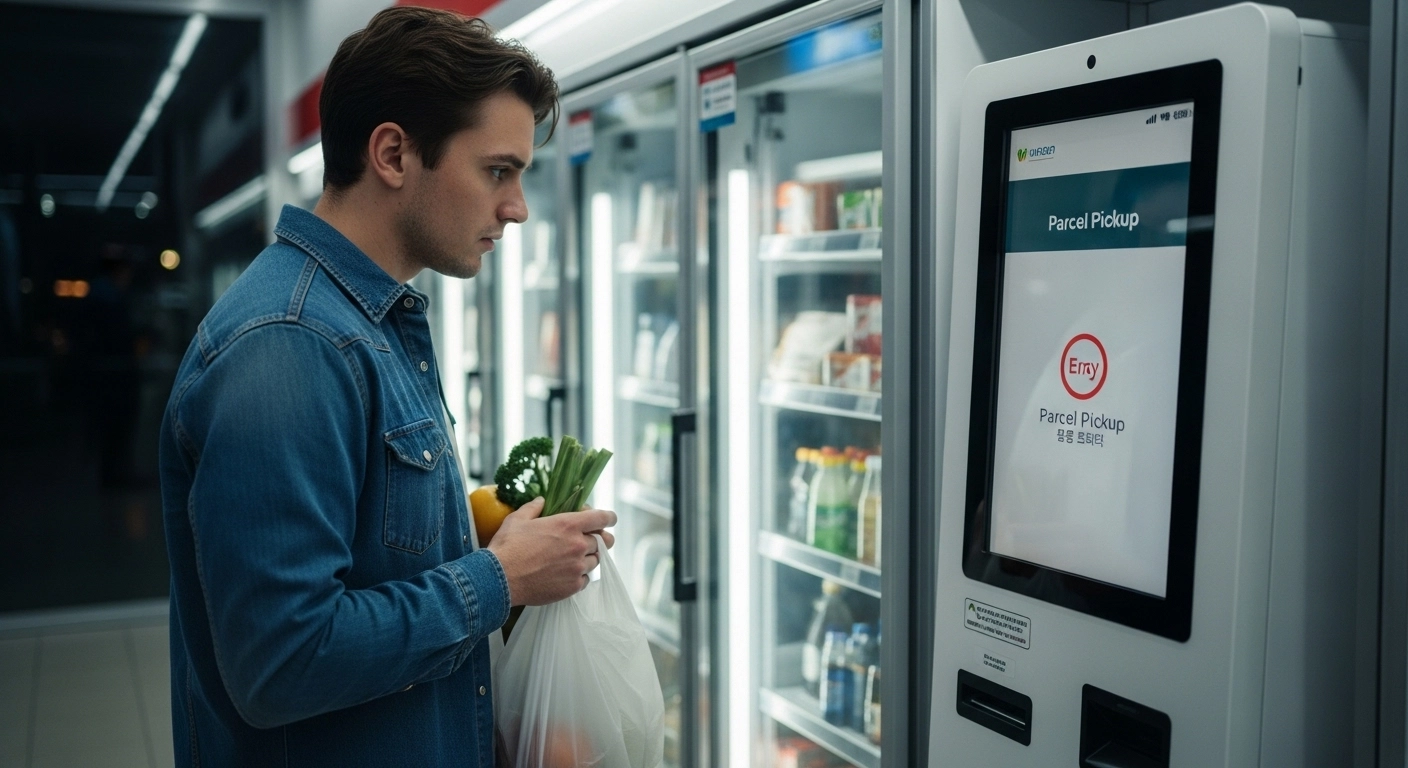
You try picking up a Coupang delivery at the in-store kiosk. It asks for a Korean phone number you don’t have. You attempt to pay a utility bill at the register. The terminal needs a payment barcode tied to a local bank account. You scan a membership QR code and the app rejects your number before you finish typing. None of these restrictions are posted anywhere in the store — they surface only at the moment you try.
This article maps exactly what you can use freely, what blocks you, and how to work around the gaps until your Korean credentials come through.
What Most People Expect From Korean Convenience Stores
The promotional posters inside a CU, GS25, or 7-Eleven show the full menu: parcel pickup lockers, mobile payment kiosks, membership reward programs, bill payment terminals, SIM top-ups, and even basic banking transactions. Nothing on the signage hints that any of these might not work for you. Every service looks available, and for Korean residents, every service is.
Most foreigners walk in on day one or two with a reasonable assumption: if the store is open to everyone, the services inside are too. Locals standing in line scan QR codes, tap kiosk screens, and collect delivery boxes without pausing. It looks effortless.
That appearance creates a gap. The physical store — shelves, register, cash drawer — genuinely is open to everyone. But the digital layer sitting on top of it runs through Korea’s identity verification ecosystem. That ecosystem requires a Korean phone number, a resident registration number (주민등록번호) or foreigner registration number, or a linked Korean bank account. If you don’t have those credentials yet, roughly half the services advertised inside the store won’t respond when you try to use them.
One thing worth knowing: nothing about this is posted at the entrance or explained at the register. The gap between what’s advertised and what convenience store Korea foreigners can actually access only reveals itself at the point of failure — a kiosk screen that loops, an app that rejects your number, a terminal that asks for a barcode you can’t generate.
What Works Without Any Credentials
The good news is that the most immediately useful services convenience store Korea foreigners need require no verification at all. During the first week — when most of Korea’s digital infrastructure is locked — these stores remain one of the few places where cash and a physical presence are enough.
Transportation Cards
Buying a T-money (티머니) or Cashbee card at the register is the single most useful thing a foreigner can do at a Korean convenience store on day one. Cards cost ₩2,500–₩4,000 and can be loaded with cash immediately. No app, no phone number, no ID.
Once loaded, the card covers all buses, subways, and most taxis across the country. It also works as a payment method at convenience stores themselves and many vending machines. For a full breakdown of how the card functions and where limits appear, see the T-money card Korea guide.
Cash Purchases
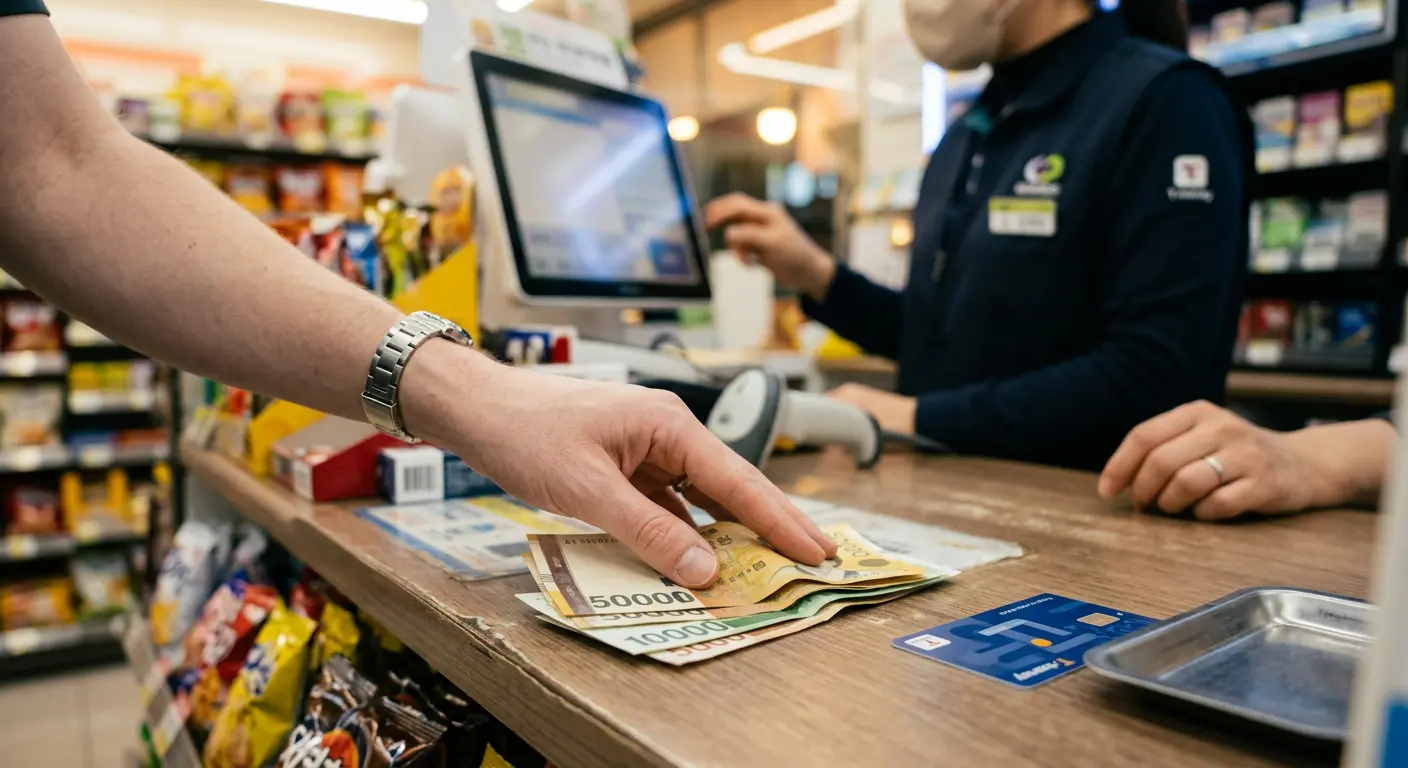
Anything on the shelves — ready meals (도시락), drinks, snacks, hygiene products, phone charging cables — can be bought with Korean won in cash. No minimum purchase, no verification screen, no app required.
This sounds obvious. But in a country where most locals pay exclusively by card or mobile payment, having a cash-friendly fallback matters more than you’d think. Some foreigners try using international credit cards at the terminal. Results are unpredictable — Visa and Mastercard sometimes clear, but many store terminals default to domestic-only card readers. For details on why foreign cards behave inconsistently, the foreign card payment breakdown covers the three specific blocks.
Prepaid SIM Top-ups and Gift Cards
If you’re on a prepaid SIM that supports convenience store recharges, you can extend your data or call balance at the register. The cashier processes it through the POS system using the number printed on your SIM packaging — not a verified identity number.
Google Play and App Store gift cards are also sold over the counter without verification.
Shelf Deals (1+1, 2+1)
Korean convenience stores run constant shelf promotions — buy one get one free (1+1), buy two get one (2+1). These apply at the register automatically, no app needed. The products are marked with stickers on the shelf. Many foreigners assume the deals require a membership login. They don’t.
3 Walls Convenience Store Korea Foreigners Hit
Here’s where the gap between expectation and reality hits hardest. These services exist in every major chain. They’re shown on kiosk screens, printed on in-store posters, and used by locals around you constantly. They look fully available — until the moment convenience store Korea foreigners actually try to use them.
1. Parcel Pickup and Delivery Lockers
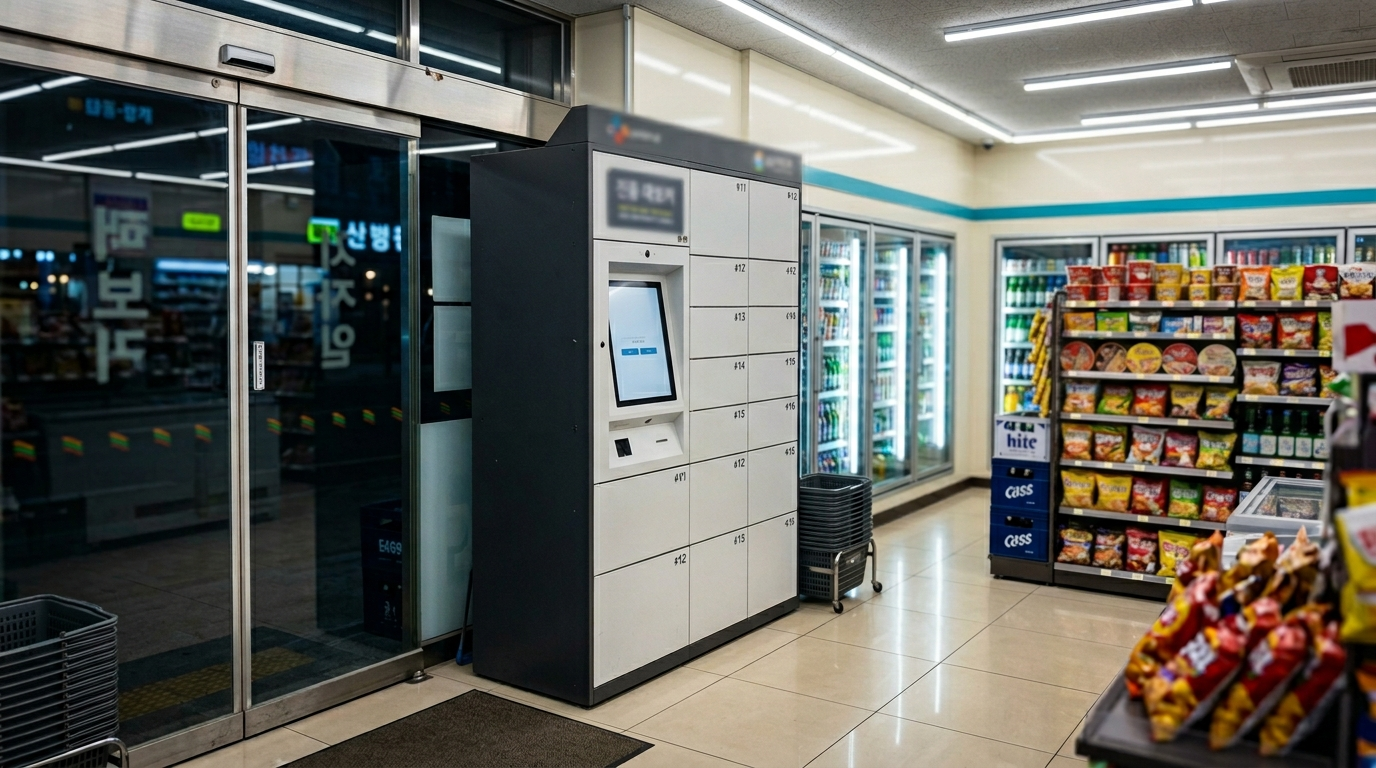
Coupang, CJ Logistics, and other delivery services use convenience store pickup points and smart lockers (무인택배함). The advertised process looks straightforward: order online, select store pickup, enter a code at the kiosk. In practice, the entire flow requires a verified Korean phone number.
Delivery notifications arrive via KakaoTalk or SMS to a Korean-registered number. The pickup kiosk authenticates through that same number. If you ordered through Coupang using a workaround, the package might arrive — but retrieving it without matching phone authentication often stalls at the kiosk screen.
Some cashiers will help manually if you show order confirmation on your phone screen. Others can’t, because the system doesn’t offer them an override.
2. Bill Payments and Financial Kiosk Transactions
Korean convenience stores function as mini payment terminals. Locals pay utility bills (전기/가스/수도), national health insurance premiums, traffic fines, and even some taxes at the register. This entire system runs through a barcode linked to the payer’s resident registration number or foreigner registration number on an ARC card.
Without an ARC or Korean bank account, you can’t generate the payment barcode in the first place. The store terminal works fine — you just can’t produce the input it requires. Korea’s Hi Korea immigration portal explains the foreigner registration process that generates these credentials.
3. Membership Programs, App Coupons, and Point Systems
CU has the “Pocket CU” app. GS25 has “Our Home GS.” 7-Eleven has its own membership platform. All of them require Korean phone number verification to register.
The discount coupons, stamp rewards, point accumulation, and app-exclusive deals that locals tap at the register every day are gated behind that verification wall. The shelf deals (1+1) still apply without an app — but the personalized discounts and digital coupons won’t unlock until your phone number verification clears. For most foreigners, that means waiting until a Korean-registered SIM and KakaoTalk verification are both in place.
Why These Blocks Exist in the First Place
Korean convenience stores aren’t standalone retail shops. They’re integrated nodes in a national digital infrastructure — connected to logistics networks, financial clearance systems, telecom providers, and identity verification databases managed under regulations from the Ministry of Science and ICT.
The physical storefront accepts cash because retail law requires it. But every digital service layered on top follows the same verification architecture as banks, telecom companies, and government portals. The convenience store chains didn’t choose to block foreigners — they inherited the same identity walls you encounter everywhere else in Korea’s system.
This creates what amounts to a two-tier experience for convenience store Korea foreigners. The physical layer — shelves, register, cash — works for everyone. The digital layer — kiosks, apps, payment terminals, delivery systems — works only for people inside Korea’s identity verification ecosystem. Without an ARC, Korean phone number, or local bank account, you sit outside that ecosystem by default, as explained in the online verification guide for foreigners.
A Few Things Worth Clarifying
Can I use Apple Pay or Google Pay at Korean convenience stores?
Apple Pay works at some Korean convenience stores — primarily those with NFC-enabled terminals. Coverage is expanding but not yet universal. Google Pay has more limited acceptance. Neither replaces cash as a reliable fallback, especially in smaller or older franchise locations. The paying in Korea overview covers the broader picture of digital payment acceptance.
Do convenience stores sell SIM cards for foreigners?
Most major chains do not sell full SIM cards directly — a common misconception among convenience store Korea foreigners arriving for the first time. Some locations carry prepaid data-only SIM products, but availability varies by store and chain. For reliable SIM options, airport counters and dedicated telecom stores remain the standard starting point. The Korean SIM card guide covers the specific options.
Can I withdraw cash from an ATM inside a convenience store?
Yes — many CU, GS25, and 7-Eleven locations have ATMs that accept international cards. 7-Eleven ATMs (often labeled “International ATM” or linked to Lotte/Hana bank) tend to have the highest foreign card acceptance rate. Fees typically run ₩1,000–₩3,000 per withdrawal. Not every store has an ATM, and not every ATM inside a store accepts foreign cards — check for the Visa/Mastercard logo on the machine before inserting your card.
Are convenience store prices higher than supermarkets?
Generally, yes. Convenience store pricing runs 10–30% above discount marts like Emart or Homeplus for comparable items. For daily snacks and drinks the difference is small. For bulk groceries — rice, cooking oil, household supplies — it adds up fast. During your first few days, the premium is worth paying for accessibility. After that, switching to a larger mart saves money, though those visits typically work better once you have a Korean map app to find the nearest one.
Can I return or exchange items at a Korean convenience store?
Return policies vary by chain and product type. Most convenience stores will exchange unopened food items or defective products if you return the same day with a receipt. Opened food items and promotional bundle products (1+1 deals) generally cannot be returned. The process happens at the register — no app or membership needed.
Getting Around the Restrictions
The blocks aren’t permanent. They dissolve in stages as your Korean credentials come online. What trips up most convenience store Korea foreigners is treating these blocks as dead ends instead of temporary walls with clear unlock conditions.
For parcel pickup: Until your Korean phone number clears verification, choose home delivery instead of store pickup when ordering online. If you’re in temporary housing like a guesthouse or Airbnb, confirm with the host that they accept deliveries to their address. Alternatively, some Coupang orders allow a passcode-only locker at apartment complexes — no phone authentication needed at the locker itself.
For bill payments, the workaround depends on the bill type. Utility bills tied to your housing are often handled by the landlord during your first month. If you need to pay directly, most utility companies accept bank transfer using the account number printed on the bill — which requires a Korean bank account but not the convenience store barcode system. The bank account guide for foreigners covers how to get that account open.
For membership apps: Wait. Seriously. Trying to register for Pocket CU or GS25’s app before your phone verification works wastes time and creates login conflicts that can be harder to fix later. Once your Korean SIM is properly registered and phone number verification passes, the apps onboard normally.
If you’re on a tourist visa and staying under 90 days, most of the blocked services won’t matter. You’ll use convenience stores almost entirely for their physical-layer offerings — cash purchases, transportation cards, snacks, ATM withdrawals — and that works perfectly well for a short stay.
If you’re on a longer-term visa (E-2, D-4, F-series), the blocked services start mattering within weeks. The convenience store Korea foreigners experience shifts noticeably once your ARC arrives and app verification clears — delivery pickup, membership rewards, and payment kiosks all become accessible. The first 3 days in Korea guide maps the full setup dependency chain that controls when each layer unlocks.
What to Have Ready Before Walking In
- Carry Korean won in cash — ₩30,000–₩50,000 covers several days of convenience store purchases
- Buy a T-money or Cashbee card on your first visit — available at the register, no ID needed
- Load the transportation card with at least ₩10,000 for subway and bus fares
- Keep cash as your primary payment method — don’t rely on foreign credit cards at the terminal
- Skip membership app registration until your verified Korean phone number is active
- Choose home delivery instead of store pickup for online orders until phone authentication works
- Check 1+1 and 2+1 shelf deal stickers — these apply at the register without any app
Official Sources
- Hi Korea — Immigration & Foreigner Registration
- Ministry of Science and ICT — Digital Infrastructure Policy
Last Updated: April 2026
The Bottom Line
Korean convenience stores give foreigners a reliable starting point: cash purchases, transportation cards, shelf deals, ATM access — all without verification from day one.
The digital services layered on top — delivery pickup, bill payments, membership apps — follow the same identity rules as the rest of Korea’s infrastructure. They unlock once your ARC, bank account, and Korean phone number are in place. Knowing which layer is open and which is locked is what separates a smooth convenience store Korea foreigners experience from a frustrating one.
Start with cash and a T-money card. The rest comes in stages.