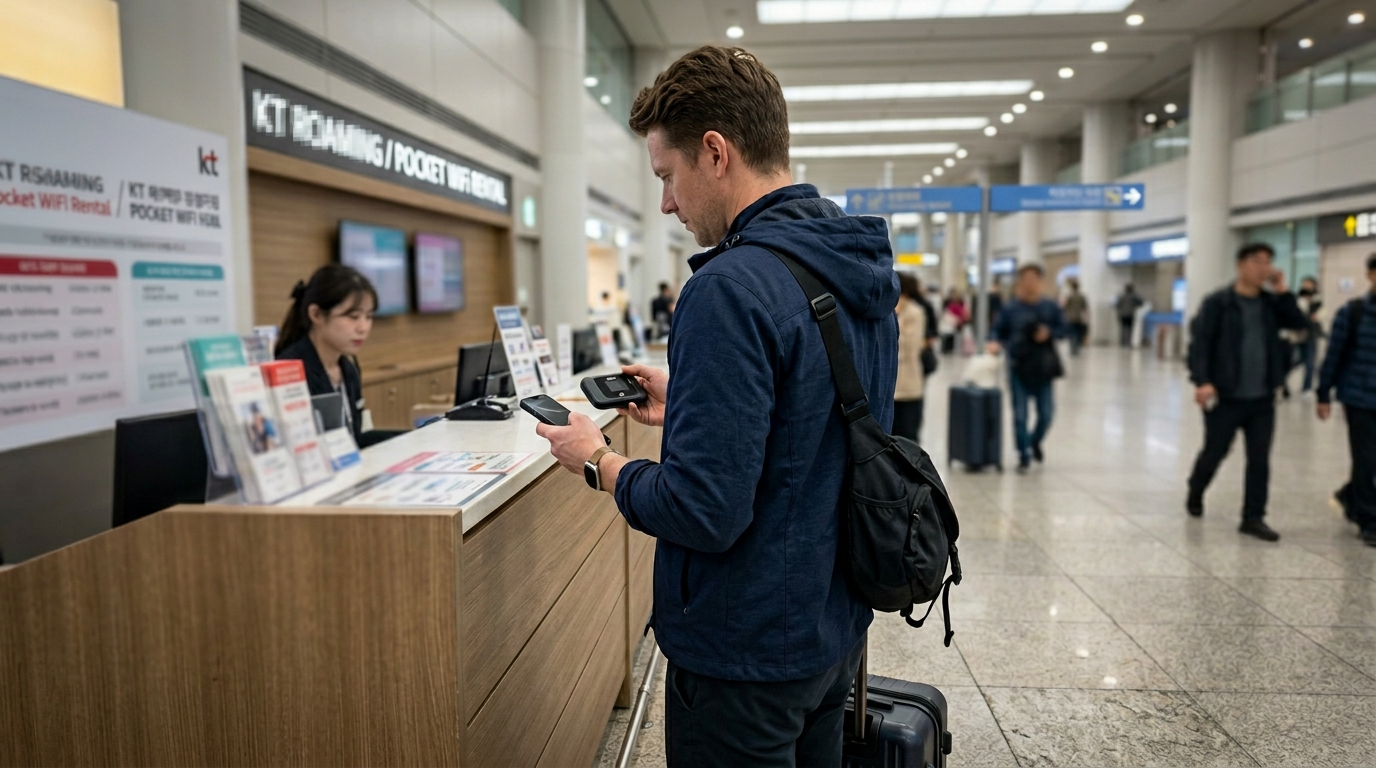
WiFi data Korea foreigners depend on looks like a non-issue before you land. Korea has some of the fastest internet infrastructure anywhere on earth — 5G in the subway, free hotspots in every coffee shop, gigabit fiber in apartments. The country genuinely oversells itself on connectivity. The problem isn’t the infrastructure. It’s the gaps that show up the moment you step outside your hotel and actually need the internet for something that matters.
A tourist who did zero research and just borrowed a hotel’s connection might be fine for three days. A foreigner moving here for a year, or someone arriving without pre-booking a SIM, runs into a very different experience. Each option — pocket WiFi, SIM card, eSIM, or free hotspot — works well under specific conditions and quietly falls apart under others. The gap between your expectation and reality isn’t usually the speed. It’s the coverage scenario nobody thought to mention.
This comparison lays out what each option actually handles, what it doesn’t, and which one fits your stay.
Why One Answer Doesn’t Fit Everyone
Korea’s connectivity options aren’t complicated — there are basically four of them. But the right one depends heavily on how long you’re staying, how many devices you need online, and how much you rely on mobile data for things beyond scrolling.
The mistake most people make is picking whatever is easiest to grab at the airport without thinking about what happens four days later. Pocket WiFi runs out of battery at the worst possible moment. Free public WiFi disappears the second you leave the subway station. An eSIM that works perfectly for a tourist in Myeongdong becomes useless when a long-term resident needs Korean phone verification for a banking app.
One thing worth knowing if you’re troubleshooting later: the connectivity issue is almost never about speed. Korea’s network is fast everywhere. The problem is always access — whether the option you chose works for your specific situation, on your specific device, in the specific place you’re at.
The Korean Ministry of Science and ICT maintains Korea’s public WiFi infrastructure standards, and the NIPA (National IT Industry Promotion Agency) oversees network quality benchmarks — context worth knowing when evaluating coverage claims from rental providers.
Here’s what each option actually looks like in practice.
Pocket WiFi — The Group Option With a Hidden Cost
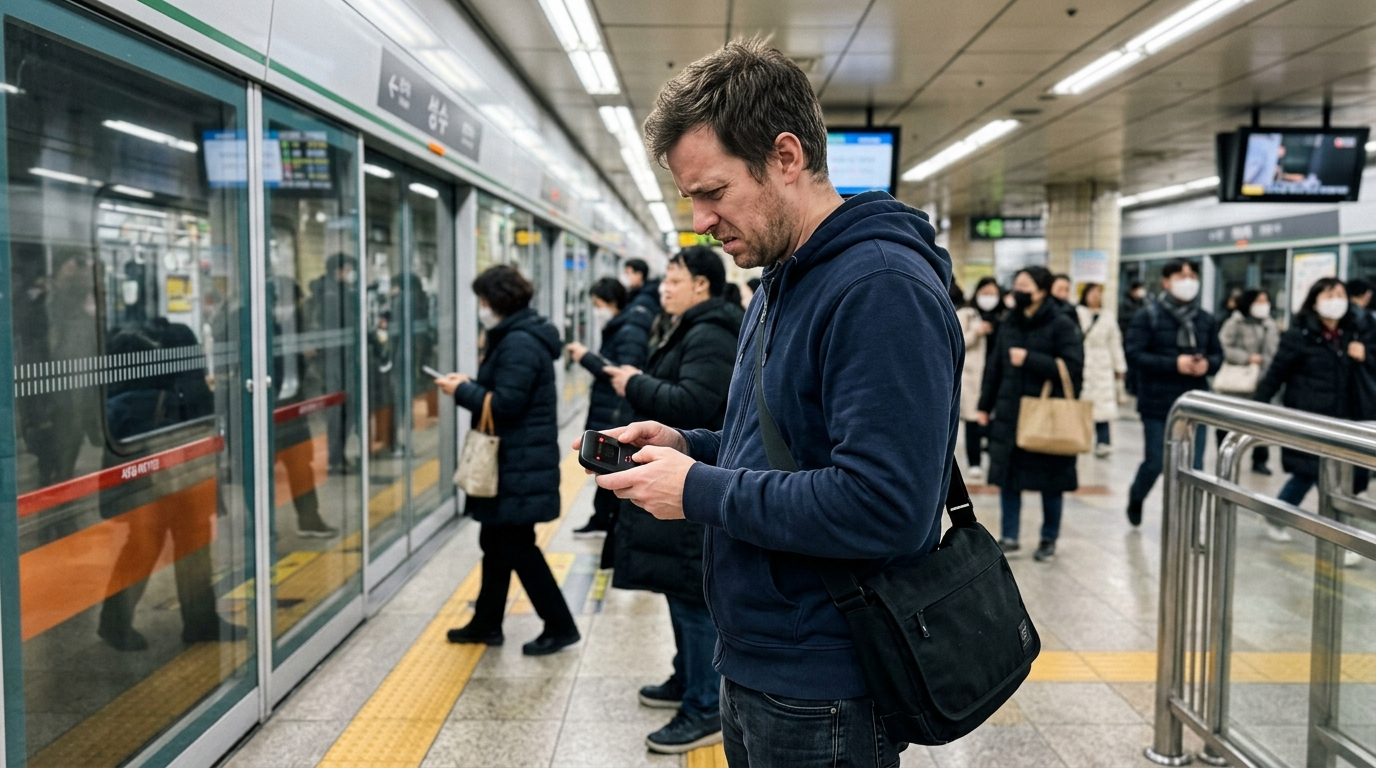
Pocket WiFi rentals are available at all three major international airports — Incheon, Gimpo, and Gimhae. You pick up a small router, it connects up to three devices simultaneously, and returns go back at the airport counter before departure. The convenience is real. So is the friction.
The main carriers — KT, SK Telecom, and LG U+ — all operate airport counters. You need your passport and a credit card (most counters don’t accept debit). The device runs on LTE with speeds up to around 100 Mbps, which is more than enough for everything a tourist needs. SK Telecom’s pocket WiFi covers even rural areas, including mountain routes and smaller islands.
The hidden cost is logistics. Battery life is typically seven to nine hours. If you’re out all day, you’re either carrying a power bank specifically to keep the WiFi router going, or you’re rationing when you use it. That’s a real inconvenience when you’re navigating in an unfamiliar city and suddenly have no maps. This is the part of wifi data Korea foreigners using pocket WiFi consistently underestimate — the battery problem, not the signal.
There’s also the return problem. Some providers require drop-off at specific counters before immigration — not after. Miss that window on departure day and you’re looking at extra charges.
Best for: Families or groups of two to three people sharing one rental. Short trips of two to seven days where the airport pickup and return is convenient. Anyone who wants to avoid choosing a SIM plan.
Not ideal for: Solo travelers. Anyone staying more than ten days. Anyone who can’t guarantee a daily power bank charge.
eSIM — Fast Setup, But Check These Two Things First
eSIM has become the default recommendation for most short-term visitors to Korea, and for good reason. You buy online before departure, scan a QR code, and arrive with data already active. No counter, no queue, no physical card. For wifi data Korea foreigners arriving on short trips, this is the fastest path to being online.
Korea’s three major networks — SK Telecom, KT, and LG U+ — all partner with international eSIM providers. Services like Airalo, Saily, Holafly, and Woori Mobile operate entirely in English with 24/7 support, which matters more than people expect when something goes wrong at midnight in an unfamiliar city. Plans run from under $5 for a three-day 1GB option to unlimited data across a full month.
Two things to verify before you buy. First, check your phone. eSIM requires a device that supports it — iPhone XR or later, most Google Pixel models from 3a onward, and Samsung Galaxy S20 onward. Older devices simply don’t support eSIM at all. Second, read the “unlimited” label carefully. Several providers throttle speeds after a daily threshold — often 500MB to 1GB — and the throttled speed can drop far enough to make navigation apps sluggish.
The other limitation that comes up constantly in expat forums: eSIM data plans don’t give you a Korean phone number. That matters more than it sounds. Korean banking apps, delivery platforms, and many government services require SMS verification to a local number. An eSIM from Airalo gives you data, but it won’t receive a Korean verification code.
Best for: Tourists and short-term visitors who need data only. Anyone arriving and wanting immediate connectivity. Travelers who already have a local SIM for calls but want a separate data connection.
Not ideal for: Long-term residents who need Korean SMS verification. Anyone on an older device that doesn’t support eSIM.
Physical SIM Card — Best Coverage, Slowest Start
A physical SIM card bought at the airport or a telecom store gives you the most complete setup. You get a Korean phone number, full 4G and 5G coverage on a major network, and the ability to receive the Korean verification codes that eSIM can’t. For anyone staying more than two weeks or needing to use Korean apps properly, this is the option that actually makes everything else work.
The friction is front-loaded. Airport SIM counters sell tourist plans that are foreigner-friendly and English-assisted — passport only, no ARC card required for short-term plans. For longer stays or MVNO plans, some providers require registration steps that take more time. English-friendly operators include Chingu Mobile, EG SIM Card, and KT M Mobile, all of which have English-language websites or support.
Costs vary considerably. A tourist prepaid SIM for ten days runs roughly ₩20,000 to ₩35,000 depending on the data allowance. A month of unlimited data on an MVNO like Chingu Mobile can cost under ₩30,000. These are genuinely good prices — the issue isn’t cost, it’s knowing which plan covers what you actually need before you commit.
For anyone planning to use delivery apps, Kakao Pay, Coupang, or any Korean service that requires SMS-based phone verification, a physical SIM with a Korean number is the only option that removes the friction later. The wifi data Korea foreigners need for app functionality is different from what tourists need for navigation — and the physical SIM is what bridges that gap. See the phone verification guide for Korea foreigners for the full picture of what breaks without a local number.
Best for: Long-term residents. Anyone who needs Korean app verification. Visitors staying more than two weeks. The most complete daily-use setup.
Not ideal for: Visitors of three days or fewer who just need maps and messaging. Anyone who wants zero setup friction at arrival.
Free Public WiFi — The 3 Coverage Gaps Wifi Data Korea Foreigners Overlook
Korea’s free public WiFi is genuinely impressive by global standards. Subway stations across Seoul, Busan, and Daejeon provide fast, stable connections — 30 to 100 Mbps in most cases — without login requirements. Cafes, convenience stores, hospitals, and shopping malls all carry their own WiFi networks. The government-provided “Public WiFi” service from LG U+ and KT covers buses, community centers, and traditional markets.
The wifi data Korea foreigners often underestimate is the free network’s reach. Most first-time visitors assume it’s everywhere. It mostly is — until it isn’t.
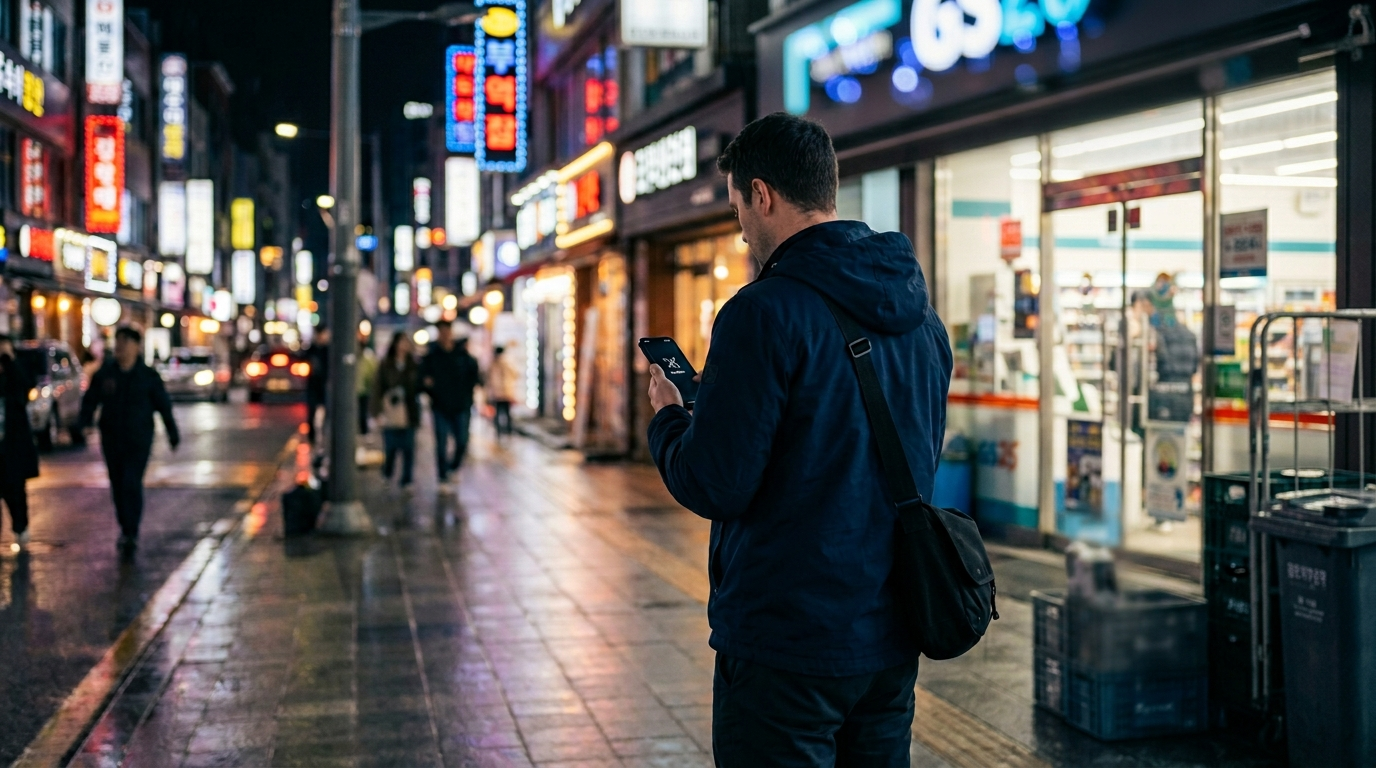
Gap 1: Between the station and your destination. The subway WiFi stops at the station exit. The street outside has no free coverage. If you need navigation from the exit to a restaurant three blocks away, you’re offline unless you have your own data. In an unfamiliar neighborhood, that three-block gap matters.
Gap 2: Rural areas and hiking routes. Outside major cities, free public WiFi coverage drops sharply. Mountain trails, smaller towns, and rural areas often have no free hotspot access at all. For anyone doing a day trip to a national park or traveling between smaller cities, free WiFi is not a reliable backup plan.
Gap 3: Registration walls in certain venues. Some malls, hospitals, and higher-end accommodations require you to log in with an email or social media account before connecting. That’s a minor friction in most cases, but it slows down the moment when you most need to get online quickly.
Free public WiFi works well as a supplementary connection. It doesn’t work well as your only connection, especially on a first trip where navigation matters at every step.
Comparison: Which Option Matches Your Stay
No single option is best for every situation. Here’s how the four wifi data Korea foreigners typically rely on compare across the scenarios that matter most.
| Option | Best Stay Length | Korean Number | Multi-device | Rural Coverage | Approx. Cost |
|---|---|---|---|---|---|
| Pocket WiFi | 2–10 days | ❌ | ✅ Up to 3 | ✅ Good | ₩5,000–₩9,000/day |
| eSIM | 3–30 days | ❌ | ❌ 1 device | ✅ Good | $5–$30 total |
| Physical SIM | Any length | ✅ | ❌ 1 device | ✅ Best | ₩20,000–₩35,000/month |
| Free WiFi | Supplement only | ❌ | ✅ Any | ❌ Limited | Free |
One pattern that works well in practice: use an eSIM for immediate data on arrival, then switch to a physical SIM within the first few days once you’ve had time to compare plans. The eSIM handles navigation and messaging while you figure out which longer-term option fits your stay. This layered approach is what experienced travelers — and most long-term expats — recommend for wifi data Korea foreigners who aren’t sure what they’ll need on arrival day.
Matching Your Setup to Your Situation
The right decision depends on three things: how long you’re staying, what you need your phone to do, and how much you’re willing to deal with on arrival day. Getting the wifi data Korea foreigners actually need right means matching your setup to your situation — not just grabbing whatever’s available at the counter.
If you’re arriving for a week or less and just need maps, translation, and messaging, an eSIM bought before departure is the cleanest setup. Install it before you board, activate it when you land, and you’re connected before you reach immigration. No counters, no queues. Providers like Airalo or Saily handle the whole process in English and the plans are inexpensive.
Traveling with family or a group? Pocket WiFi makes more financial sense. One rental covering three devices costs less than three separate eSIMs and the setup is simpler for people who don’t want to manage their own data plan.
Staying more than two weeks, or planning to use Korean apps beyond basic travel tools? Get a physical SIM. The airport counters at Incheon handle tourist SIM purchases entirely in English, passport only, no ARC needed for short-term plans. Once you have a Korean number, the friction with delivery apps, banking services, and verification systems drops significantly. The Korean SIM card guide for foreigners covers which plans to compare and what to watch for at the counter.
For long-term residents setting up a full Korean life — phone plan, home internet, all of it — the mobile plan decision connects to a broader setup sequence. The mobile plan guide and the home internet setup guide cover what happens after you have a SIM and need to sort out fixed broadband as well.
Free public WiFi fills gaps. Use it, but don’t plan around it. Understanding wifi data Korea foreigners actually need — versus what the brochure says is available — is the real prep work before you arrive.
Quick Answers
Can I use my home SIM card with roaming in Korea?
Yes, but international roaming in Korea is expensive with most carriers — often $10–$15 per day for data, which adds up quickly on a week-long trip. An eSIM or tourist SIM is almost always cheaper. The exception is if your home carrier includes Korea in a flat-rate international plan, which some US carriers (T-Mobile, Google Fi) do offer. Check your plan before departure rather than discovering the charge after arrival.
Does Korea’s free public WiFi require registration or a Korean number?
Most government-operated public WiFi in subway stations and buses requires no registration at all — you just connect. Some private venue WiFi (malls, certain hospitals, higher-end accommodation) may ask for an email login. A Korean phone number is generally not required for public hotspot access. Where it becomes an issue is with Korean apps that need SMS verification, not with the WiFi network itself. For wifi data Korea foreigners planning to use local apps, a physical SIM with a Korean number solves this completely.
The Bottom Line
Korea’s internet infrastructure is genuinely excellent. That part is true. What catches wifi data Korea foreigners off guard isn’t the network quality — it’s choosing an option that works for two days and then fails them on day five when they need a Korean verification code and their eSIM can’t receive one.
The short version: eSIM for tourists, physical SIM for anyone staying more than two weeks or using Korean apps, pocket WiFi for groups. Free public WiFi works as a supplement everywhere, but doesn’t replace your own data connection for the moments when you actually need it.
Decide before you land. The airport counters work fine, but making that decision in arrivals — jet-lagged, bags in hand, navigating Korean signage — is not the best condition for comparison shopping.